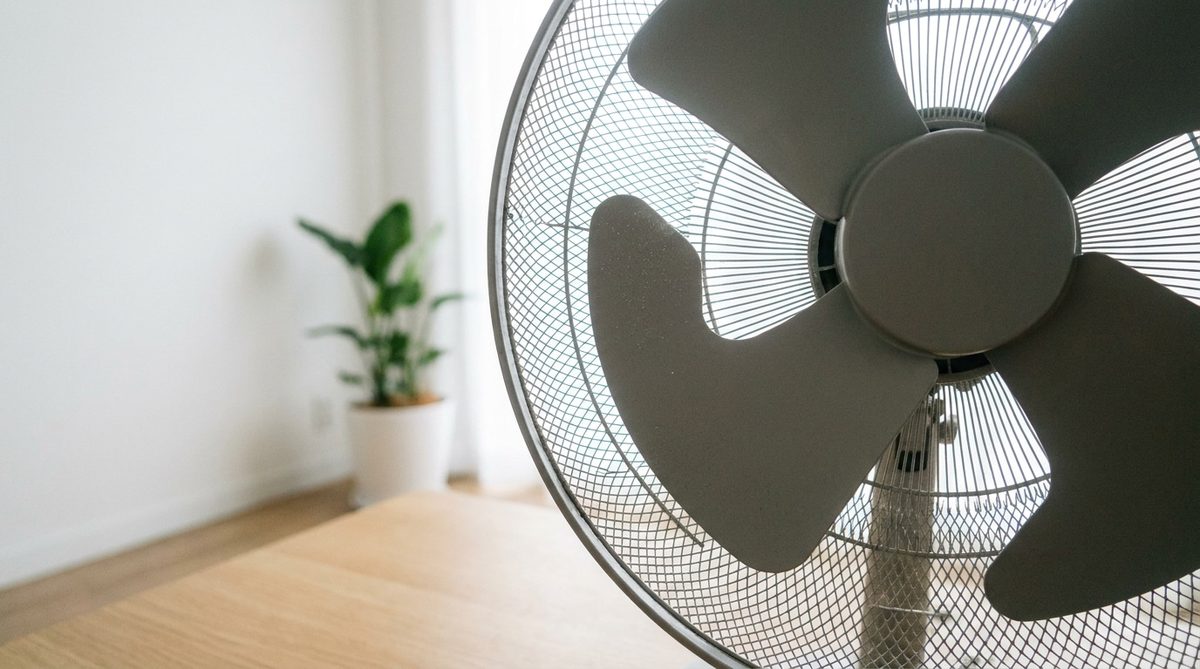
It’s hot. The air is thick. And your standing fan sounds like a jet engine taking off in your living room.
It’s not supposed to do that. That rattle is supposed to be a gentle breeze, not a noise that shreds your sanity. But before you panic-buy a new unit or hire a pro, stop. You don’t need a new appliance. You need a screwdriver and five minutes.
The fix isn’t magic. It’s maintenance. The noise comes from imbalance, loose parts, or dry contact points. By tightening screws, cleaning blades, checking the stand, and swapping out rubber feet, you can restore quiet in minutes.
Grab these three items before you start:
– A Phillips head screwdriver
– A clean microfiber cloth
– A pack of adhesive vibration dampening pads
Let’s get to work.
Step 1: Dust and Tighten
We underestimate cleaning. We think a fan is just plastic and metal. But dust is heavy.
Over time, your fan sucks in particles. They stick to the blades. This creates an uneven weight distribution. The motor struggles. The air resistance becomes erratic. The result? A groaning motor and visible shaking.
Take the safety cage off. Wipe every inch of the blades and the grille with your microfiber cloth. Remove all the grime.
Once it’s clean, attack the screws.
Vibration loosens hardware. It’s physics. Check every connection point. The central nut on the rotating hub. The ring holding the protective cage. The screws on the back of the motor housing.
Give them a firm turn. Often, simply tightening these fasteners cuts the noise by half. Metal-on-metal rattling usually stops here.
Step 2: Check Blade Balance and Stand Stability
If it’s still shaking, the problem is in the rotation.
An unbalanced blade acts like a hammer. If a blade is warped, cracked from impact, or installed crookedly on the axle, it creates a pendulum effect. This is dangerous and loud.
Turn the power off completely. Spin the blades by hand. Feel the orbit. It should be fluid. Smooth. If it wobbles, the blade is off-center.
Remove the blade assembly. Check the plastic for cracks. Make sure the central notch is fully clipped onto the rotor stem. Reattach it. Ensure it’s seated correctly.
Now, look at the stand.
The base absorbs kinetic energy. If the base is loose or sitting on an uneven floor, it becomes a giant speaker box. Amplifying the noise.
Check your floor. Is the tile level? Is the wood flat? If the base is wobbling, the structure is compromised.
Flip the stand over. Locate the large screw that locks the telescopic pole. Tighten it. This prevents the mast from swaying back and forth during oscillation. A rigid stand means less vibration travel.
Step 3: Replace the Rubber Feet
You might think the job is done. The blades are clean. The screws are tight. The stand is solid.
But there’s still that low, dull thud.
This comes from the connection between the fan and your floor. The original rubber feet under the base have likely dried out. Heat and time make rubber hard and brittle. They flatten. They crack. They lose their grip.
When hard plastic hits your floor, you get reverberation. Acoustic feedback loops.
Buy those adhesive vibration pads you grabbed earlier. Scrape off the residue of the old feet. Stick the new pads around the perimeter of the base.
Distribute the weight evenly. Dense felt or flexible silicone absorbs the residual shock. It stops the engine from rocking side-to-side.
The Result
You’ve tightened the fixes. Adjusted the geometry. Locked the foot. Cleaned the grilles. Refreshed the pads.
Your fan should now whisper. Not roar.
This takes a few minutes. It saves you hundreds of dollars. It makes your home livable during a heatwave.
There’s a specific satisfaction in fixing a household annoyance yourself. You solve the problem. You earn the quiet.
Now you can sit down. Watch the movie. And finally, actually feel the breeze.